Organize reception callbacks
It takes a moment to note an appointment question. For a handoff, you also need a way to reach the person and a reason for calling back. Record both and create a task when the next shift needs to take over.
Appointment requests, callbacks, and questions about planned treatments all come through reception. If the person responsible is only noted on a piece of paper, the next shift starts by asking around. CleverHub’s customer and appointment tools let you record who got in touch, when a reply is due, and which appointment was agreed. CleverDent covers the clinical side in more depth.
Book a demo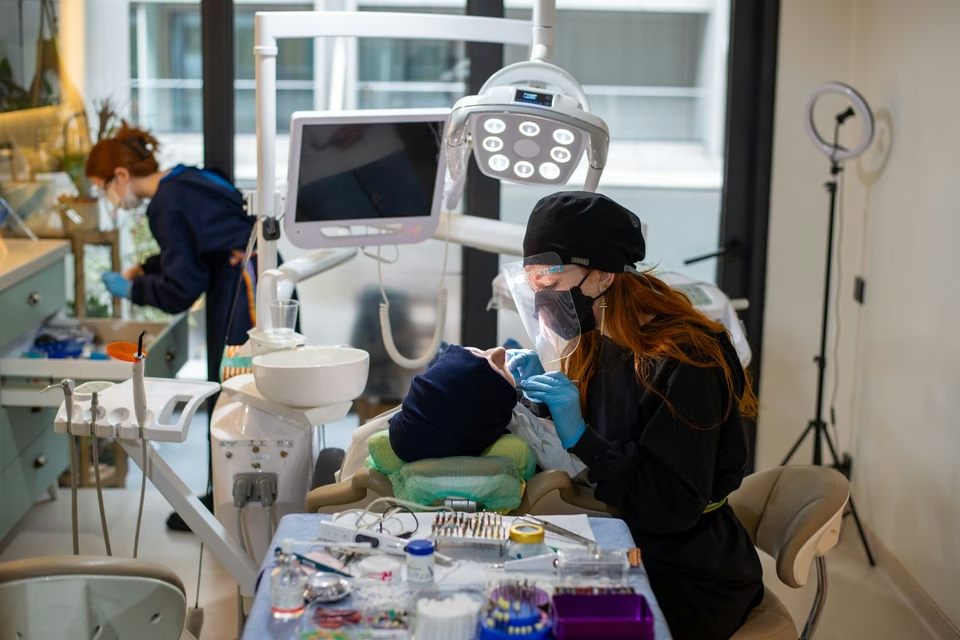
It takes a moment to note an appointment question. For a handoff, you also need a way to reach the person and a reason for calling back. Record both and create a task when the next shift needs to take over.
Asking for a time slot doesn’t reserve it. Keep the current status with the inquiry. Once the time is confirmed, put the appointment in the calendar. Reception can then distinguish open questions from scheduled visits.
The dental chart and treatment plan are part of the clinical workflow. A scheduling example with fictional details is enough for the demo. Use it to discuss where reception hands the case to the treatment team.
Start with an appointment question or a callback request. Note availability and a suitable way to get back to the person. Include only information the next person needs for the handoff.
If there’s a question to clarify first, create a task. If the visit is already agreed, put it in the calendar. The next shift can then pick up at the same point.
For a case that involves clinical documentation, ask to see the existing dental workflow. Use a sample record to review how the findings and treatment plan fit the way your practice works.
A first inquiry may come up several times before a visit, such as when the appointment time is still open. Check the status before making another call to see whether someone has already replied.
CleverDent has a patient record and a dental chart. The chart displays the condition of the teeth. You can see which view the treatment team uses to document its clinical work.
Treatment plans belong to the clinical side of the work. Reception can organize arrangements for the next visit. The practice decides what should be visible during handoff based on each person’s work and permissions.
Have two people handle the same sample inquiry in turn. The first records the callback. The second reads the status, chooses the next step, and checks the calendar for any arrangements. That makes missing handoff details easy to spot.
Someone calls in the morning and asks to be called back to arrange a checkup. Reception records the request and creates a task for the afternoon. The colleague who takes over sees what’s needed and agrees on an appointment over the phone.
After the call, she records the appointment and closes the callback task. On the day of the visit, the team can move deliberately between appointment administration and clinical documentation in the dental record.
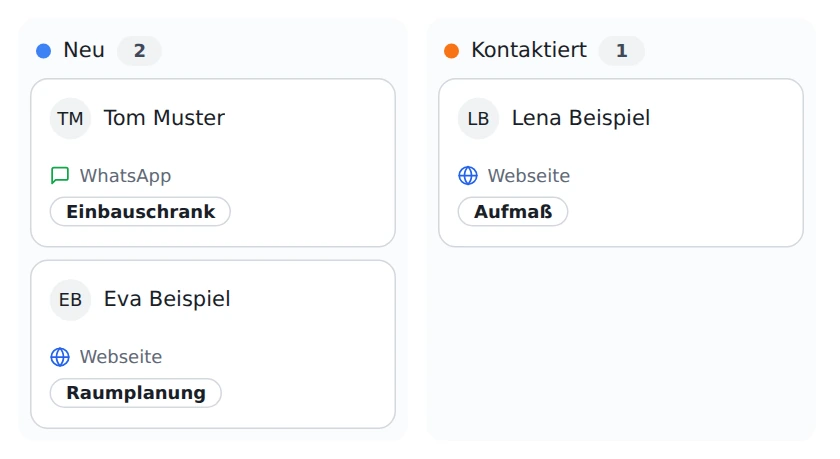
Record the contact, the request, and the next step. Put confirmed appointments in the calendar. Use a task when someone still needs to call back.
Yes. CleverDent provides a dental chart in the patient record. In the dental demo, you can see how this view fits your treatment team’s workflow.
Follow the CleverDent link under related solutions. It introduces the dental software and how it is used in a dental practice.
The dental software includes treatment plans. Ask for a sample case in the demo if your team wants to see the difference between an appointment, a finding, and a plan.
A workflow you describe in your own words with sample details is enough. Tell us about the handoff you want to improve at reception and keep real patient records out of the demo.