Organize arrival inquiries
Reception receives arrival questions alongside voucher inquiries and general messages. Record the contact and mark what’s still open. The next shift can see whether a reply is due or an arrangement is already in place.
A guest’s inquiry comes in during the morning, someone replies in the afternoon, and a different team is on the front desk in the evening. Everyone needs to know the agreed next step. CleverHub connects contacts and tasks with a hotel area for online check-in. A separate voucher shop complements this workflow if your business wants to sell vouchers online.
Book a demo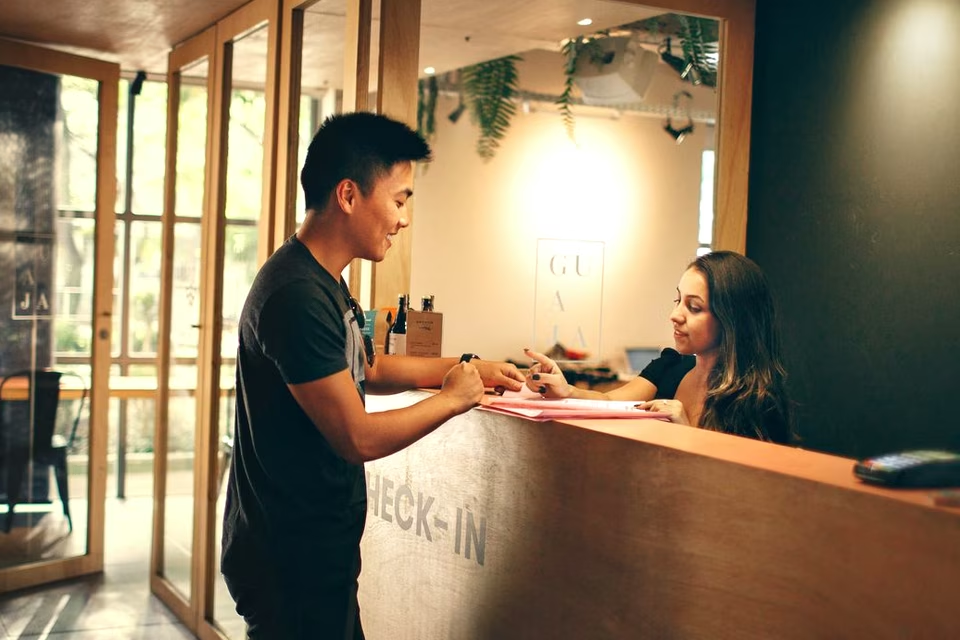
Reception receives arrival questions alongside voucher inquiries and general messages. Record the contact and mark what’s still open. The next shift can see whether a reply is due or an arrangement is already in place.
The hotel area has a dedicated check-in process. If you use it, guests can fill in the requested details in advance. In the demo, review what reception needs to prepare and where the team checks the status.
The voucher shop can show guests a public selection and provide its own checkout. Booking a stay and ordering a voucher are different processes. Decide who will handle questions about an order.
Save the guest’s inquiry with a way to reach them. Decide whether it calls for a reply about an upcoming visit or a task for another team member.
For an upcoming arrival, use the check-in process. For a callback or an inquiry that’s still uncertain, start with a task on the contact. That keeps the action the team actually needs to take visible.
After replying, note what you agreed with the guest. If details or documents are missing, mark the task as outstanding. When shifts change, the next team can see what it can already prepare.
Hotel check-in has a dedicated form. Decide when to offer the link to guests and how to follow up if details are missing. Try a sample arrival so reception can understand the status as well.
A clear task helps when the early shift hands over to the late shift. Name the next action and the person responsible. Try the handoff with a case where you have already replied and only an internal question is outstanding.
The public voucher shop has product pages and checkout. For a trial, choose a voucher option that’s easy to explain. Decide who will handle orders and questions about vouchers already bought.
Use the contact to continue working on a general inquiry. Use the hotel workflow for check-in details. That helps your team describe a clear handoff between an inquiry and arrival at the front desk.
Before her stay, a guest asks what to do if she arrives late. The team answers, records the reply, and marks the preparation still needed at reception. The evening shift can see what has already been done.
Reception checks the check-in status before the expected time. For an unrelated voucher question, the team uses the order in the shop. Both inquiries have a clear owner even when they reach the same front desk.
The hotel area has a process for online check-in. In the demo, you can use a sample arrival to review when to invite the guest and what reception needs to do.
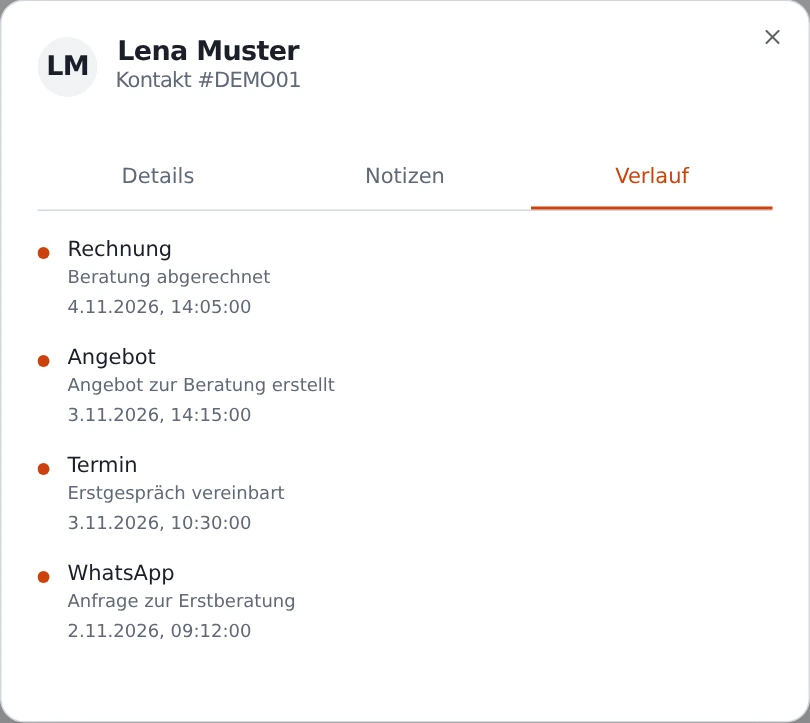
Record the contact, the open question, and the agreed next step. Use a task for any follow-up that won’t be finished before the next shift.
The voucher shop includes a public storefront and checkout. To set it up, discuss the voucher you want to offer, the payment method, and who should handle order questions.
This page covers guest inquiries, hotel check-in, and the voucher shop. Bring your existing booking workflow to the demo if you want to work through handoffs for reception.
A sample arrival with an open question shows how a shift handoff works. Add a fictional voucher order if you also want to see how the shop works.