Phone assistant
Answers calls. Your team can read what the caller needed in the call log.
English transcript
Hello, you’ve reached Beratung am Markt. I’m the digital phone assistant. How can I help you?
Win customers, look after them, and bill for your work. CleverHub brings your customer records together with marketing, invoicing, and assistants for chat and phone.

WhatsApp replyWe received the documents.
ConsultationThursday at 10:30 a.m.
InvoicePayment recorded
Answers calls. Your team can read what the caller needed in the call log.
Hello, you’ve reached Beratung am Markt. I’m the digital phone assistant. How can I help you?
Asks what the person needs in chat. When a team member takes over, they see the conversation so far and the linked contact.
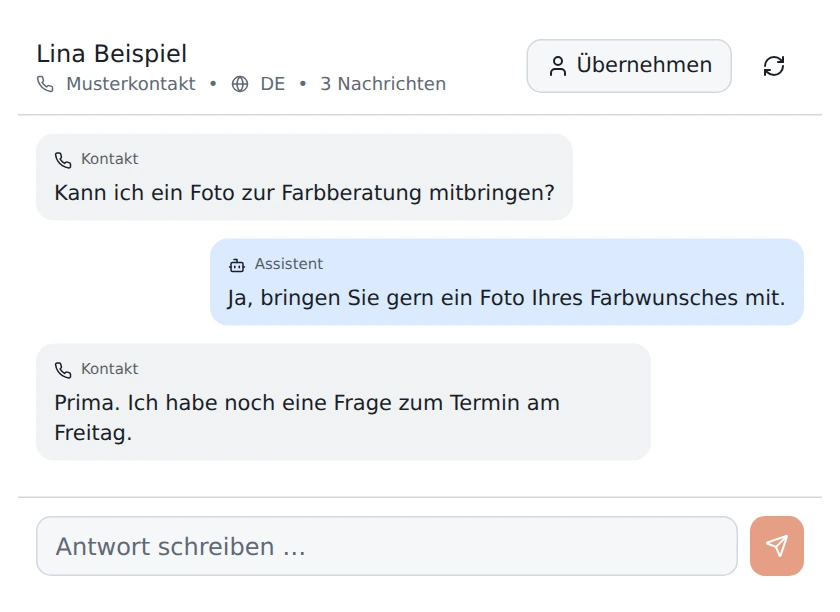 German interface shown.
Try the conversation with a fictional consulting business.
We discuss what you need and agree on the next steps. Allow about half an hour.
First consultation guideHelps with questions about day-to-day work. For example, ask which appointments are in the calendar.
Drafts a newsletter subject line, the opening of a landing page, or a social media post.
Analyzes campaigns and posts. It records findings in its own memory and suggests next steps.
A WhatsApp inquiry often sets off a search. Where is the appointment noted? Who sent the quote? With CleverHub, your team works from the same customer record.
From the first conversation to the invoice. The sample record shows what your team can pick up on the next time you speak.

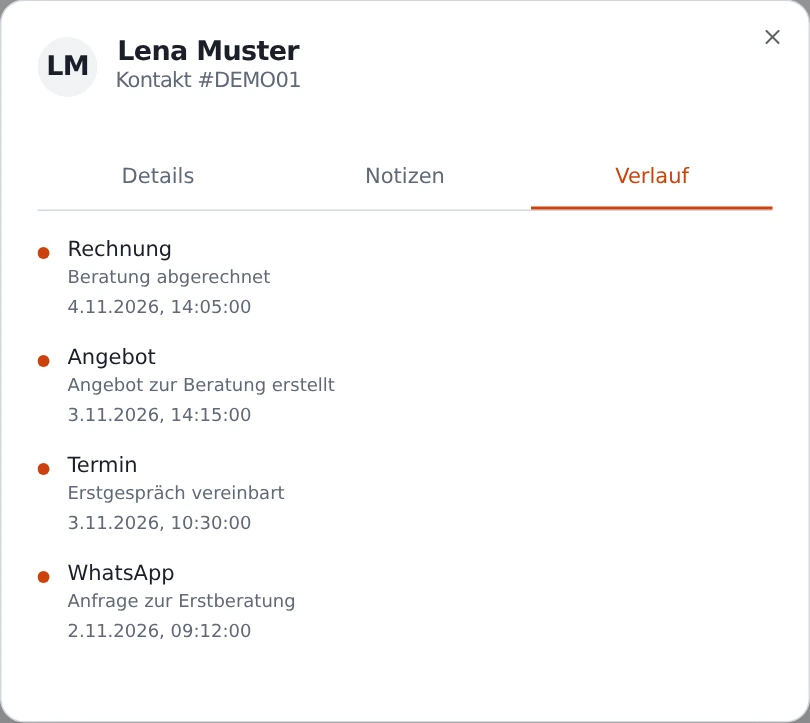
A campaign draws attention to the consultation.
A prospective customer asks her first question.
The team arranges an initial consultation.
The consultant records the scope of work.
The team bills for the consultation afterward.
The customer shares her experience.
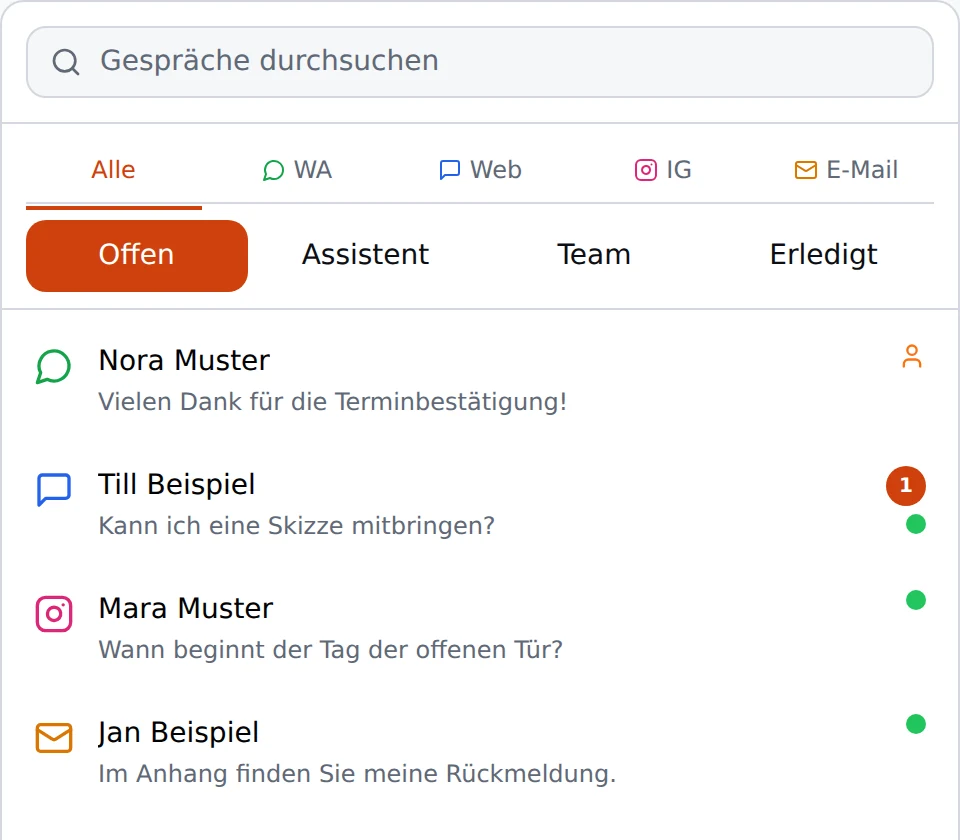
WhatsApp, website chat, Instagram, and email come into the shared inbox. When your team takes over, it can read the conversation so far.
Find phone calls in the call log, submissions under the corresponding form, and contacts from Meta ads in the leads area.
Handle WhatsApp as a teamSchedule social media posts and publish them through your connected accounts. Your link-in-bio page takes interested people directly to the relevant offer.
Build a landing page with a form and invite people to book a consultation through your newsletter. Each campaign gets its own place to send people.
Respond to Google reviews and keep an eye on your Google and Meta ads. The budget guard monitors your ad spend.

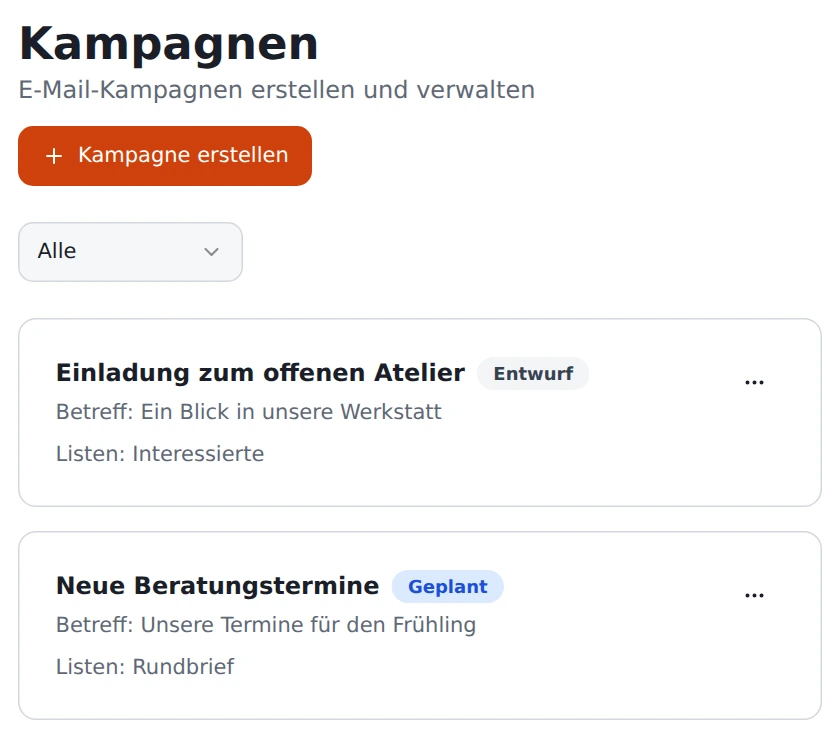
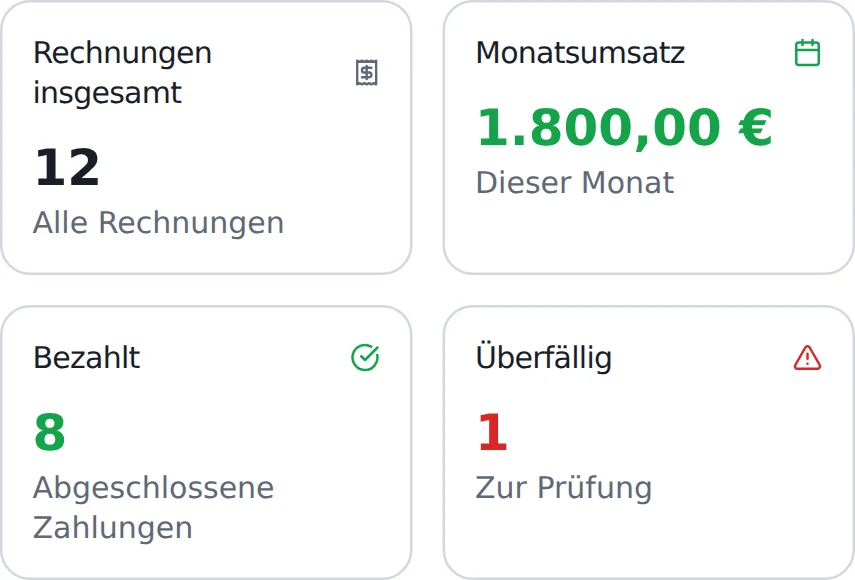 German interface shown.
Create invoices and see which amounts have been paid and which are still outstanding.
Explore billing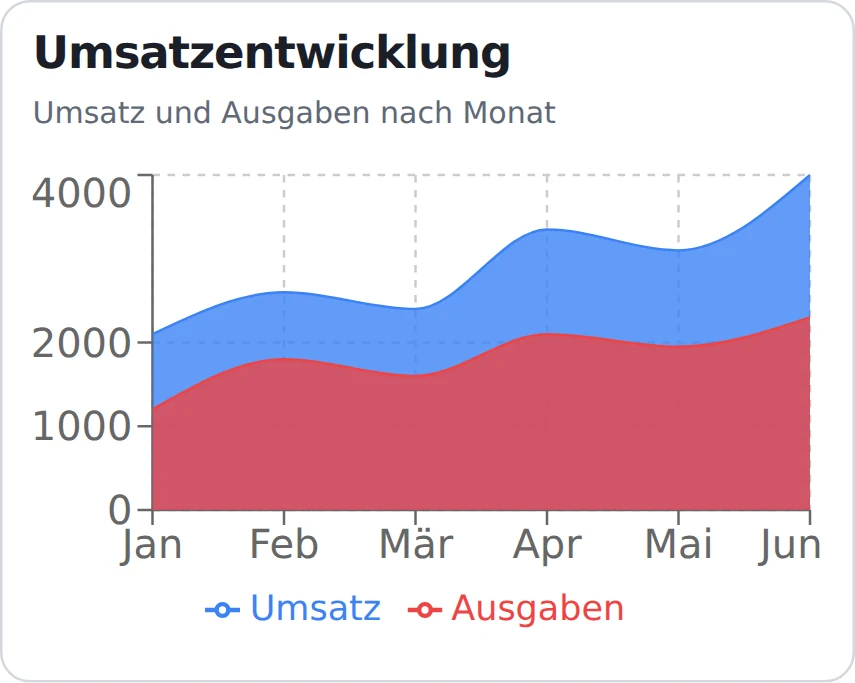 German interface shown.
See how the figures change over the month and use the corresponding records to investigate unusual shifts.
Explore reports




Here’s how your existing accounts, calendars, and payment methods connect to CleverHub.
Support customers on WhatsApp, import contacts from Meta Lead Ads, and schedule posts for connected social accounts.
Manage Google Ads and respond to Google reviews.
Sync appointments with a connected Google or Outlook calendar.
Send notifications to a configured Telegram chat.
Retrieve data through REST endpoints. Incoming webhooks report events, such as a new lead from a Meta ad.
Process payments through Stripe and TWINT and issue QR bills and electronic invoices.
Choose who can work in each area.
Add an authenticator code to your password.
Manage the content the assistant draws on.
When EU routing is required, the router checks the provider and destination before making the request.
Small and midsize businesses that work directly with customers, including practices, hotels, trade businesses, and studios.
Your team manages contacts, tasks, appointments, and quotes there, so the next step stays easy to find.
The chat widget is available on your website. WhatsApp and phone each have their own assistant.
You add documents to the CleverKnow knowledge base. The bot can use them to answer questions and cite a source.
You can send newsletters, schedule social media posts, and manage campaigns.
CleverHub supports quotes, invoices, and payments, including Stripe, TWINT, and QR bills.
Yes. Use forms to capture inquiries. You can also use a scanned form to create a contact.
Look through the sample record and try the questions in the chat example. You can request a personal demo in the demo section.

Tell us which business the demo is for. We can then show you workflows that fit.
Arrange a personal demo by emailYou can send the prepared request from your own email app.